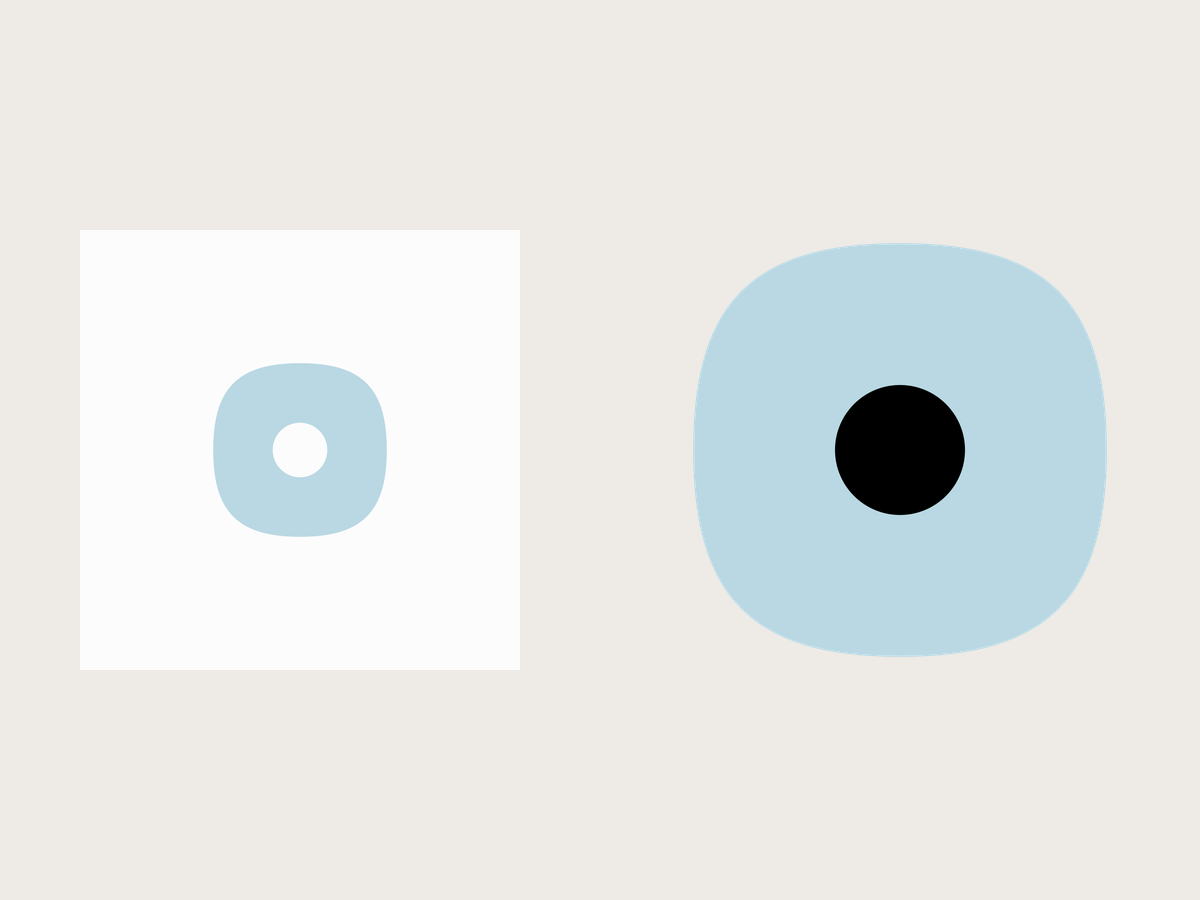
The icons of the Numa desktop app: the tile people see in the macOS Dock, and the Windows taskbar icon.
using the numa name
- The wordmark is always lowercase: numa. In running text Numa is fine; never NUMA.
- Set it in Geist at weight 500. Never bold, italic or another typeface.
- Keep clear space around the mark, and don't recolour, stretch or add effects.
files 4
 macOS Dock icon, PNG 1024 pxPNG · 1024×1024 · 12.5 KBnuma-app-icon-macos-1024.png
 Windows taskbar icon, PNG 1024 px, transparentPNG · 1024×1024 · 51.5 KBnuma-app-icon-1024.png
 Windows taskbar icon, PNG 512 px, transparentPNG · 512×512 · 30 KBnuma-app-icon-512.png
 Windows taskbar icon, PNG 256 px, transparentPNG · 256×256 · 14.5 KBnuma-app-icon-256.png




← all brand materials
numa app icon
numa
The icons of the Numa desktop app: the tile people see in the macOS Dock, and the Windows taskbar icon.
using the numa name
- The wordmark is always lowercase: numa. In running text Numa is fine; never NUMA.
- Set it in Geist at weight 500. Never bold, italic or another typeface.
- Keep clear space around the mark, and don't recolour, stretch or add effects.